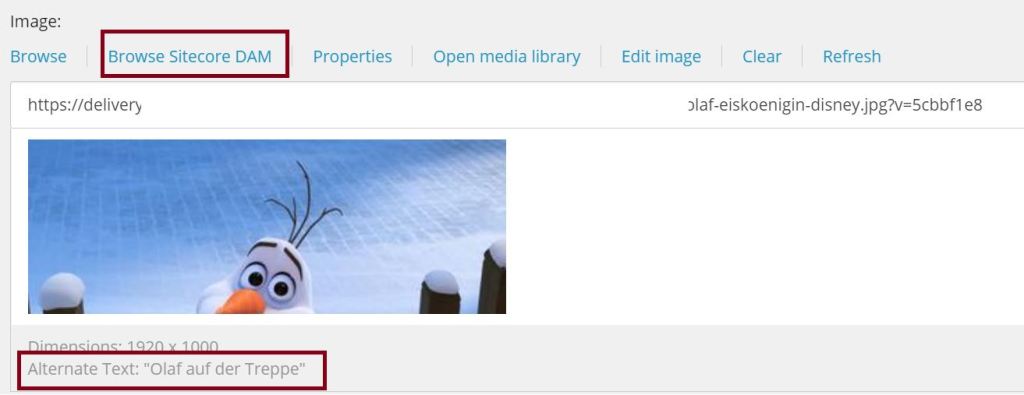
Enhance DAM Connector for retrieving additional information to an asset in Sitecore

We all know the situation: Some images are restricted and we have to display their copyright and source in the image caption. Editors want to save this information only once. So, if you use the Content Hub they want to do it there.

The work in Content Hub itself is simple, just add two string-properties to the M.Asset-schema and you can edit them for the assets. But how do you get this information in Sitecore? The DAM Connector just comes with a few properties like asset ID, public link and the property you configured to use for alt text.

This blog post gives an idea of enhancing the connector for retrieving the additional properties you need.
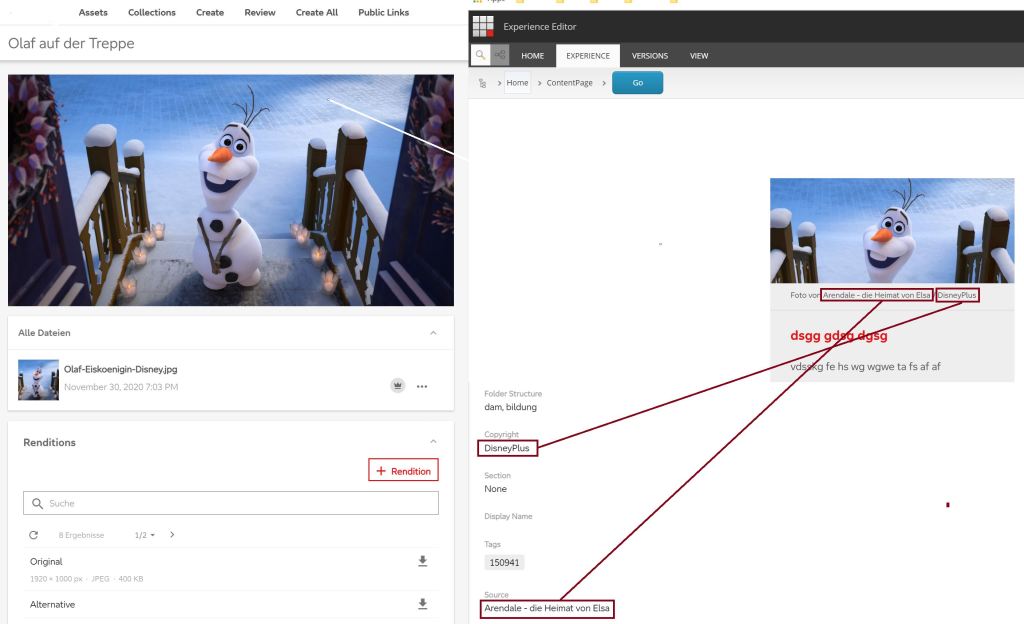
Left: Content Hub Asset with Copyright and Source. Right: Preview in Sitecore, Teaser with rendered Copyright and Source.

Continue reading “Enhance DAM Connector for retrieving additional information to an asset in Sitecore”

What about Image Resizing via QueryString Parameter when using Public Links from Content Hub?

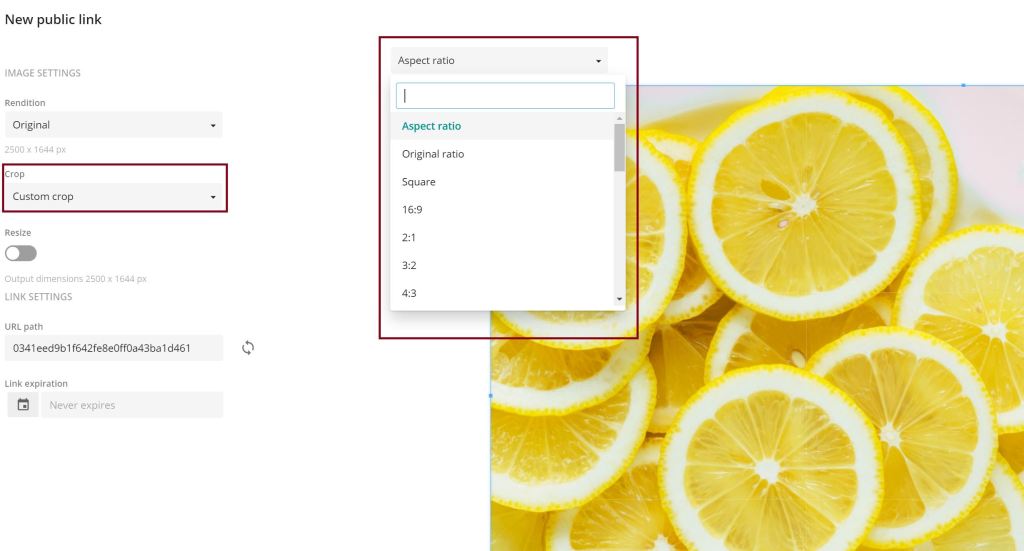
In Sitecore we know that there is the possibility to add params like “mw” for maximum width and “mh” for maximum height. But what if we use Public Links from Content Hub? Spoiler: There is such funcitionality! In this blogpost we’ll have a short look into the hub and its possibilities.

Continue reading “What about Image Resizing via QueryString Parameter when using Public Links from Content Hub?”

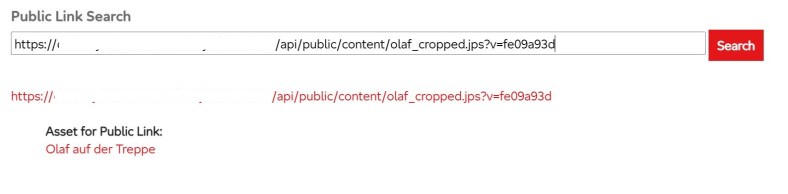
Content Hub: Find asset for public link

When using the assets from Content Hub there is currently no way ootb to find the asset for a public link.
But this is a feature, which could be very senseful, so I tried to find out what we can do in Content Hub for achieving the goal. We can’t configure it in the search component used on the assets page for example. So I tried the way with a new page and an external page component and here is what I found out:

Continue reading “Content Hub: Find asset for public link”

Content Hub: Get public link for asset from Web SDK Client

Today our topic is getting the public link(s) for an asset in the Content Hub via Web SDK Client. Therefore we first need the configuration and client. Keep in mind, that the user you use must be a superuser.

// Your Sitecore Content Hub endpoint to connect to
Uri endpoint = new Uri("https://yourcontenthuburl");

// Enter your credentials here         
OAuthPasswordGrant oauth = new OAuthPasswordGrant         
{             
  ClientId = "yourclientid",             
  ClientSecret = "yourclientsecret",             
  UserName = "yoursuperusername",             
  Password = "youruserpassword"         };         

// Create the Web SDK client         
IWebMClient client = MClientFactory.CreateMClient(endpoint, oauth);         client.TestConnectionAsync().Wait();

Continue reading “Content Hub: Get public link for asset from Web SDK Client”

Content Hub: Search specific Assets via API

When we startet our Content Hub story, the first thing we had to do is migrating the assets from the old CMS to the Content Hub. To identify the assets we added a textfield “Old CMS ID” to the M.Asset, because later we have to do some changes for just the migrated assets, such like get public link for a specific one or create the public link.

First you need to configure the user in the Content Hub. Caution: It must be a superuser, otherwise you won’t get the right search results! We tried it first with ContentAdministrator, but this didn’t work out. Configure your user as API user and set clientId and clientSecret.

Continue reading “Content Hub: Search specific Assets via API”

Plain Sitecore – Add Edit Context Item Button to the Experience Editor ribbon

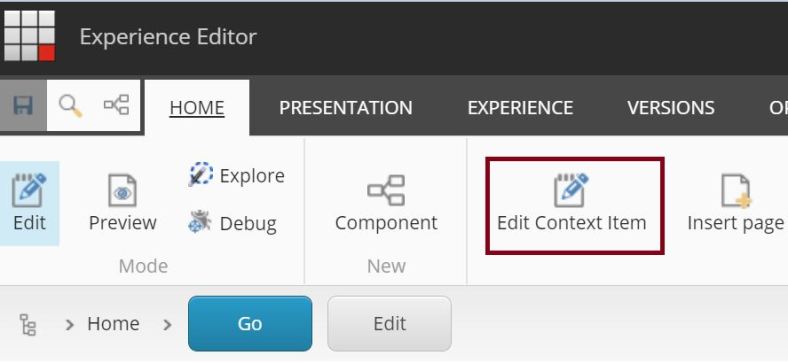
After we added the two custom experience buttons to our renderings, we came up with the idea, to offer the editors the possibility to even edit all fields of the context item – sometimes not shown in HTML directly such as meta title, meta description and so on – without switching back to the Content Editor. Therefore we implemented the “Edit context item” button I will describe in the following.

Continue reading “Plain Sitecore – Add Edit Context Item Button to the Experience Editor ribbon”

Plain Sitecore – Custom Experience Button dynamically loading the rendering’s properties

Some time ago I described how to implement an “Edit Fields” Button without defining all fields. Now we have a look at the implementation for the rendering properties. For this we also implement a command, but need one step more.

Continue reading “Plain Sitecore – Custom Experience Button dynamically loading the rendering’s properties”