Sometimes in Content Hub scripting we need to read settings which are configured in Content Hub. You have to be careful, because you can crash the Content Hub. Following I will show you how to do this and what I did wrong.
I set up custom settings in Content Hub for SSO group mapping. Therefore I added a new category in settings and in that category a setting:
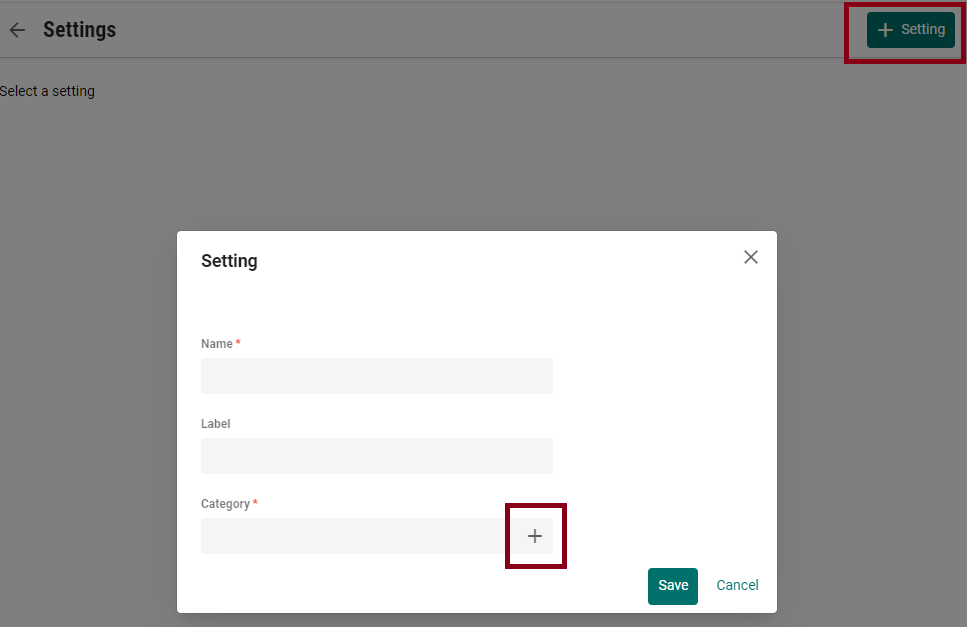
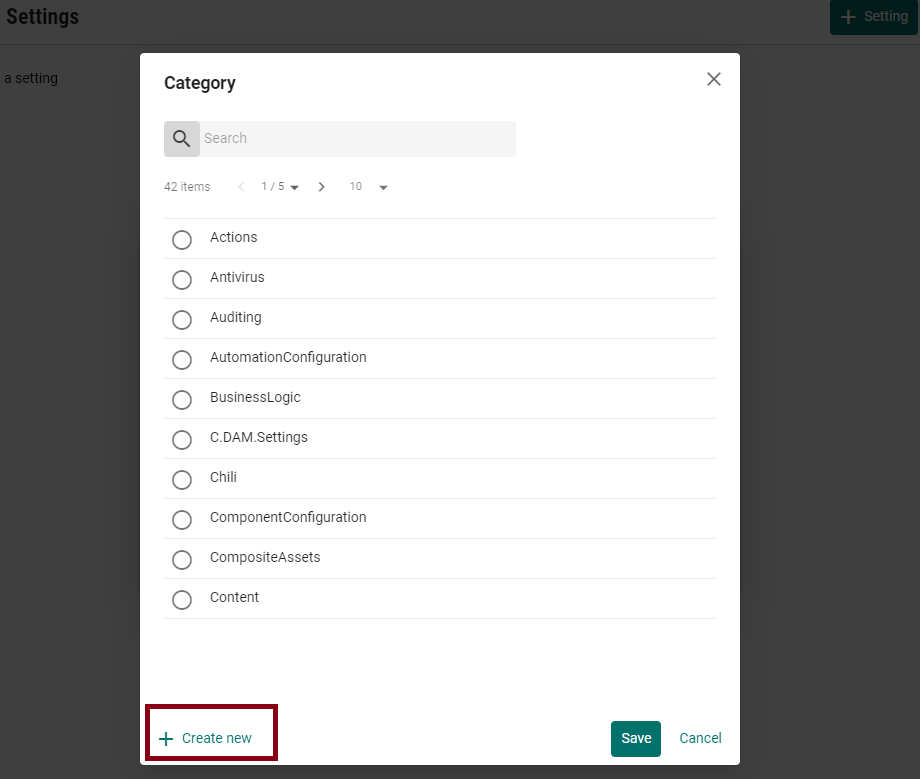
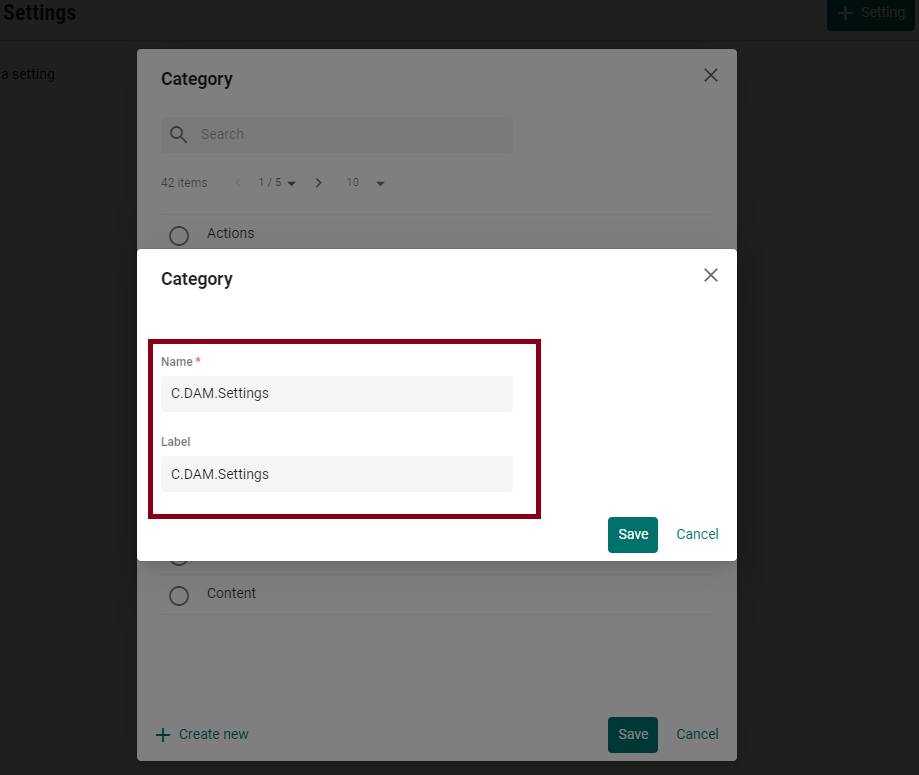
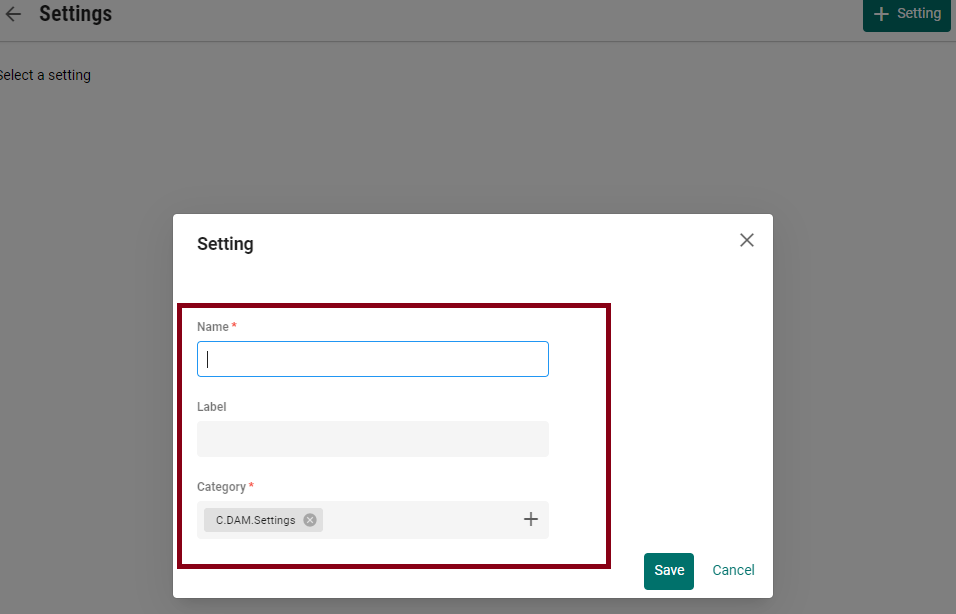
To get the setting in your script you can do the following:
 var settingConfiguration = await mClient.Settings.GetSettingAsync("your_category_name", "your_setting_name").ConfigureAwait(false);

    var setting = settingConfiguration?.GetProperty<ICultureInsensitiveProperty>("M.Setting.Value");
Now you have the property, next you want to get the value. And that’s the point where you have to be careful. If your setting is an object you can do the following:
var settingsObject = setting.GetValue<JObject>();
In my case the value of my setting is a JSON with an array.
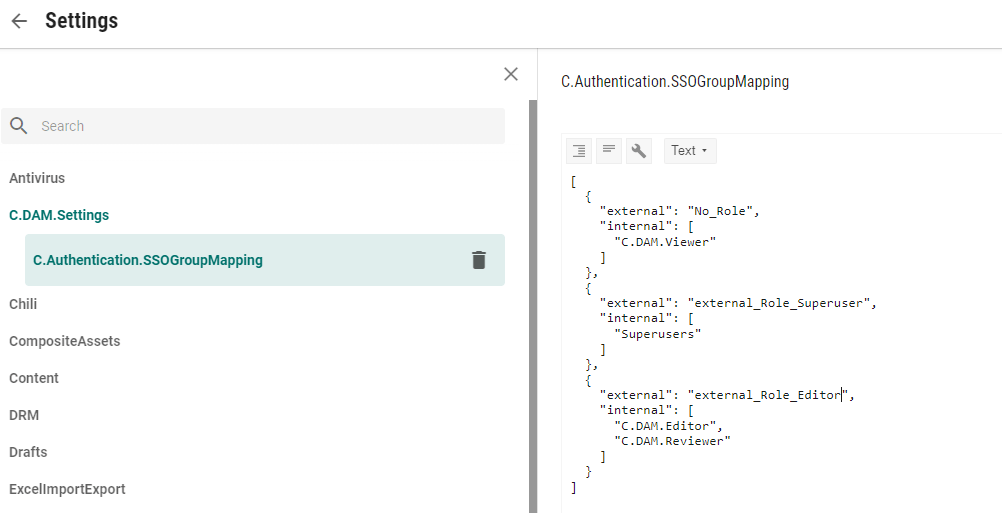
I tried the code above with getting the value as JObject, but this caused a 500 error and randomly “Down for maintenance”. The problem is, that my value – the array in the JSON – can’t be parsed into JObject. I was used to see just an exception in log when I do something wrong in scripting. But in this case the application crashes. Fortunately only for a few minutes.
So what is the correct parsing then?
If you have a setting which is an array you use the following code:
var settingsArray = setting.GetValue<JArray>();
And if you have an object in the JSON then you call the GetValue<JObject>().
 Anna's blog