If you want to setup your own usergroups and their permissions for CMP there are some things you have to consider.
It is not enough to give them read or write access to M.Content. In the following paragraphs I will show you what you have to setup.
First: How to make sure that the user is able to see the content of a M.Content entity
It is not enough to give the usergroup read-access to M.Content and the content detail page. Because then it looks like this:

You have to setup the following permissions as well:
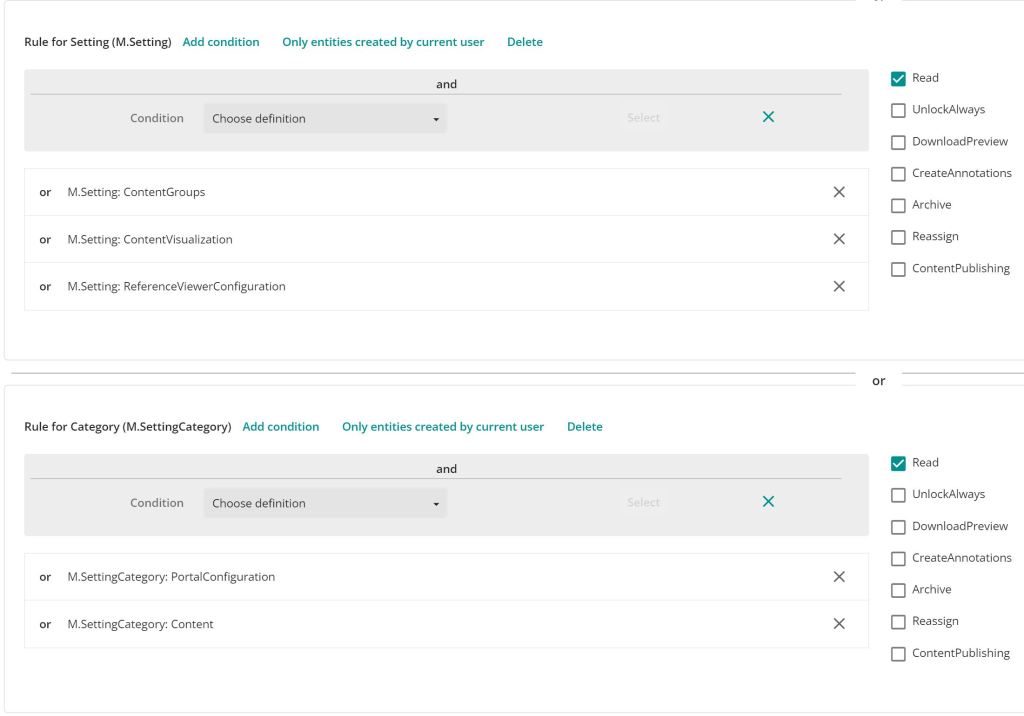
If you setup those the Content Reader can see the content.
Second: How to make sure the user can see the state flow of the content
Again, it is not enough to give the usergroup read access to the state. You have to setup the following:

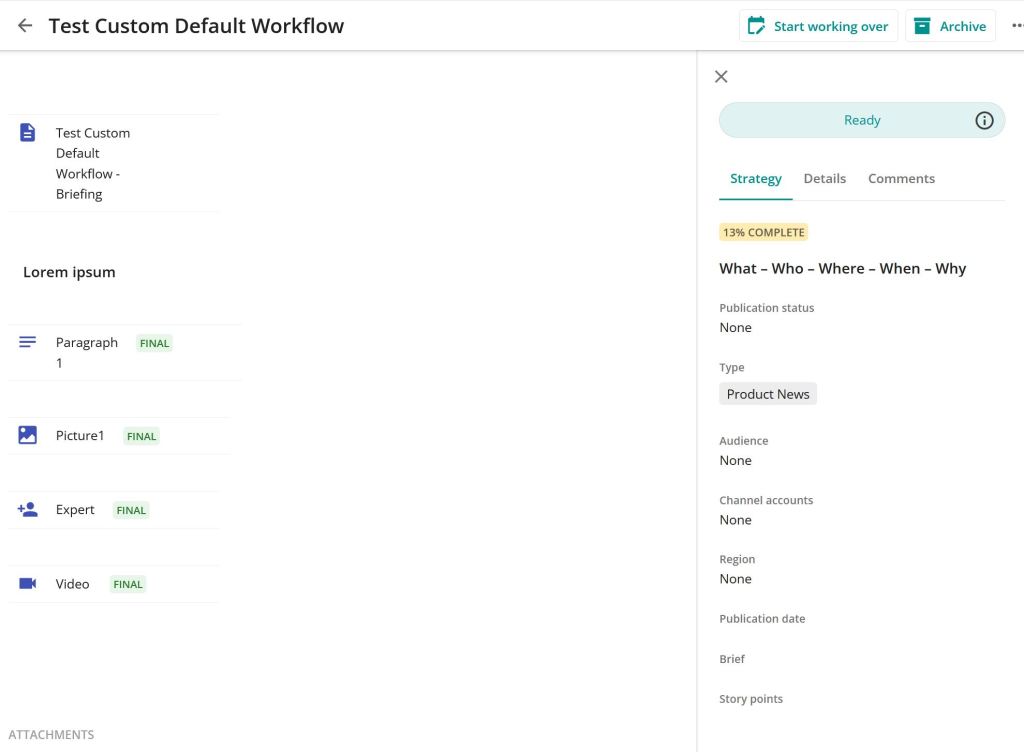
If you did that the user is now able to see the state flow and the active state:
Third: How to make sure, that the user is able to submit the content to the next state in the state flow
For state flow transitions there is an additional thing you have to setup. It is not enough to have just the permissions. If the user is not in superusers group he or she is not able to do the transition though. You have to relate the usergroup to the state in the related state flow like this:
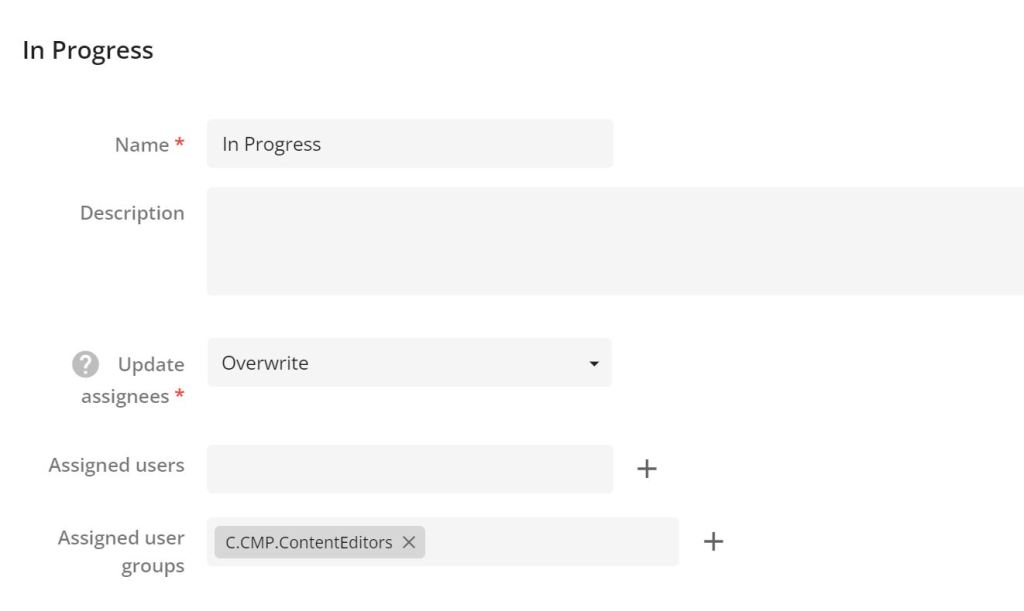
Now the users are able to put content into other states.
Fourth: How to enable users to comment on content without being editor?
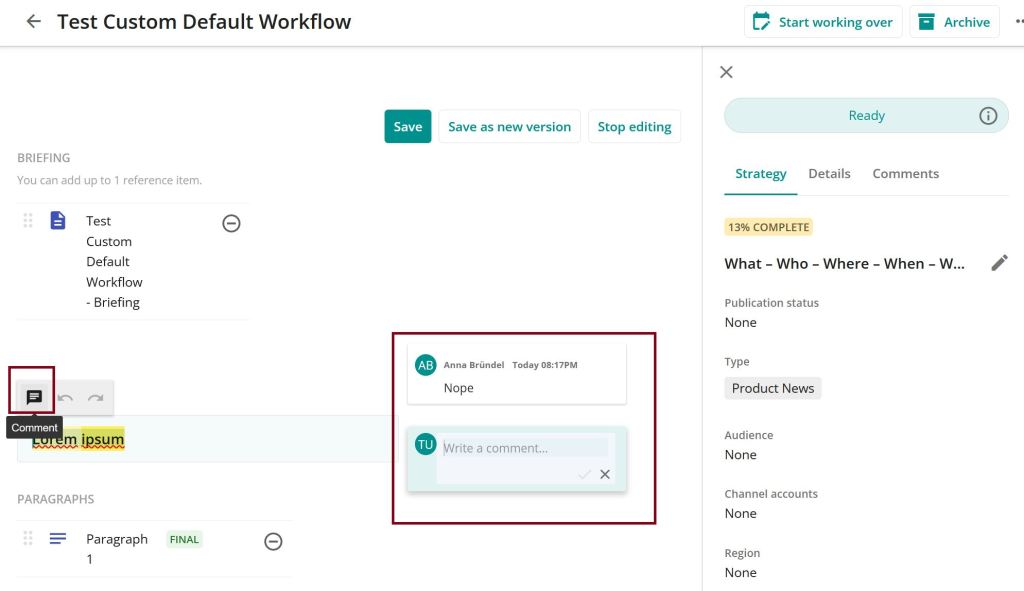
This was the trickiest challenge. In the content editor you are able to comment directly the textfields – but only if you are a superuser. Because you can’t look into the usergroup configuration of superusers (the group has just full rights) I had to find out by try and error.
For having the comment option on the fields you have to give the usergroup write access to M.Content / M.Contentversion and also the following:

Then you are able to comment like this:
But in our case this was not what we wanted. There should be a reviewer usergroup who is not able to edit the content, but comment it. So what I set up is a new tab in the Tab component on the right of the Content detail page.


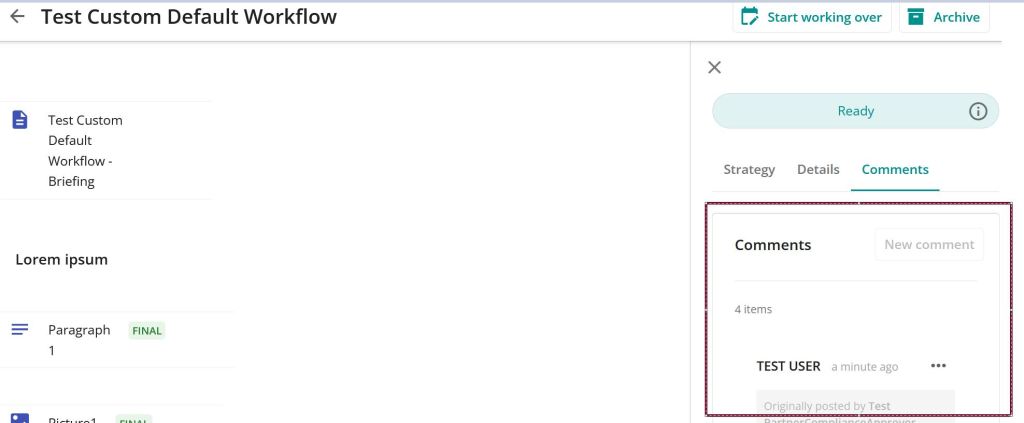
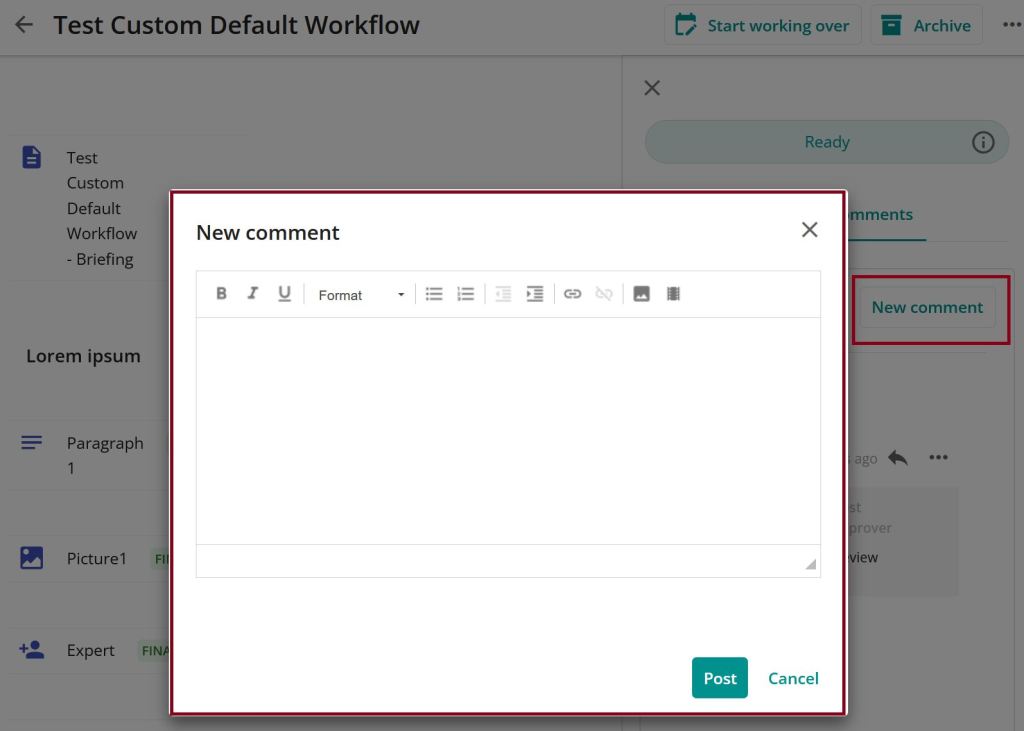
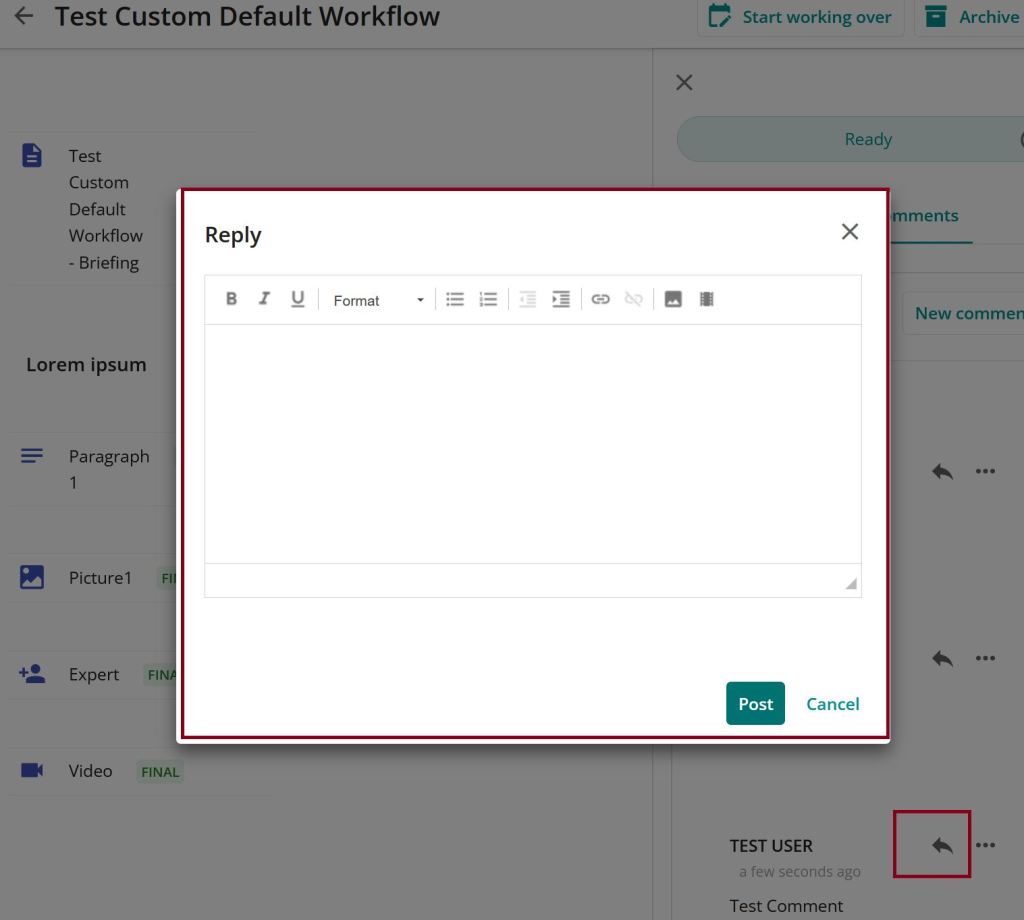
Now only the right to create a comment is missing. For that you just add the “CreateDiscussion” right on M.Content/M.Contentversion and it’s done.

How to find out?
To find out we put a test user in all builtin usergroups and then removed one by one to find out which usergroup has which right. Then I had a look into the usergroup’s configuration and put it in our own usergroup and tested it.
Also very helpful at this point was the documentation, where the builtin roles are described: https://docs.stylelabs.com/en-us/contenthub/latest/content/user-documentation/cmp/monitor/cmp-security.html
 Anna's blog