We all know the requirement, that fields are dependent on other fields. Also in Content Hub projects this can be a requirement for editing details of an entity. Following I will show how to solve this for two taxonomy members of an entity.
The use case is the following: We have a Taxonomy “Category” and a Taxonomy “Section”, both are related to M.Asset and Subcategory is dependent on Category. (We had discussed this example in Sitecore Slack Channel)
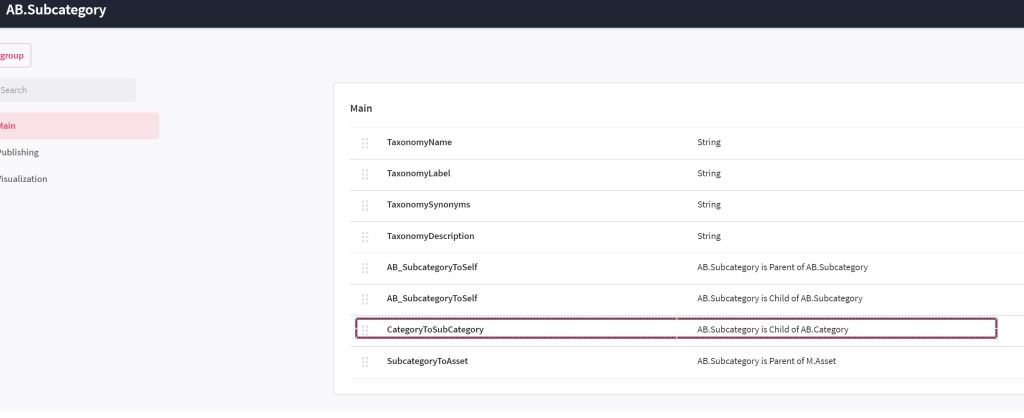
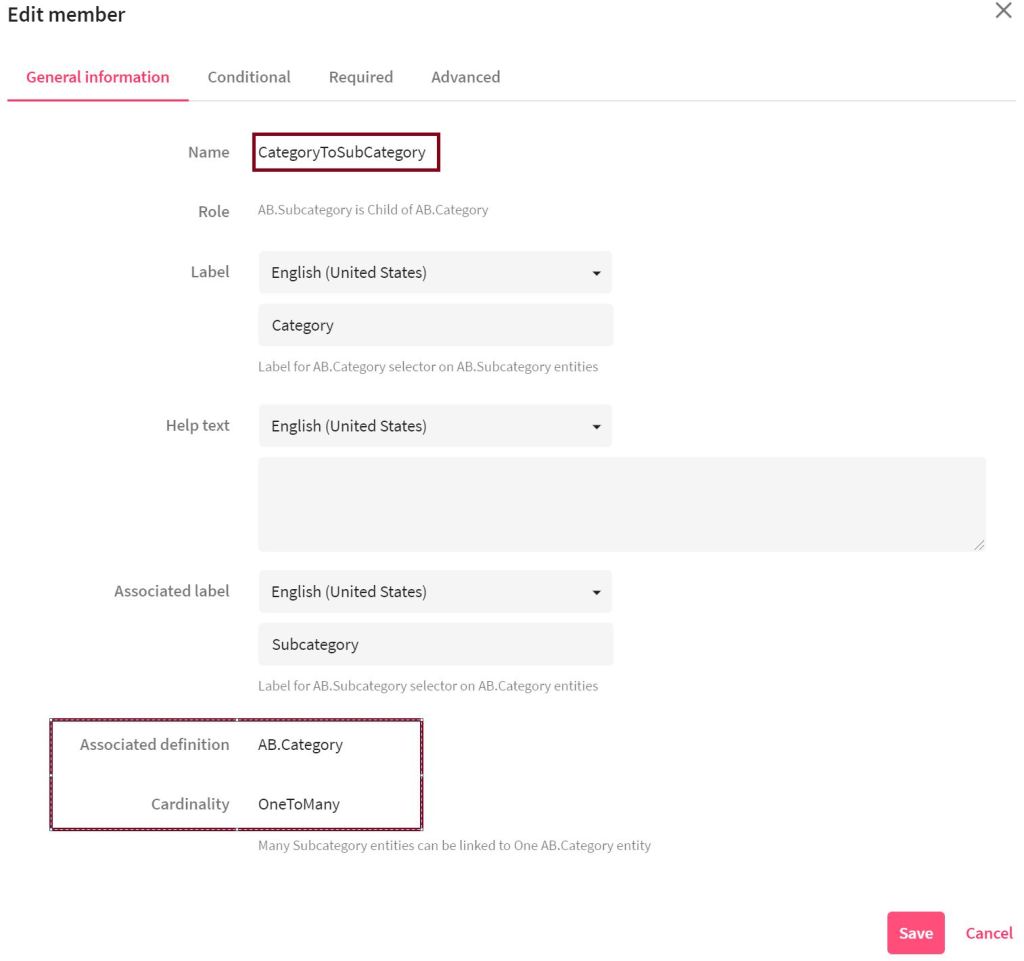
First step is to create the taxonomies. Add “Category”, then add “Subcategory” and also add a taxonomy member for the between both of them. (Click on “Show definition” on the taxonomy page to add the CategoryToSubcategory). Choose Category as associated definition and OneToMany cardinality.

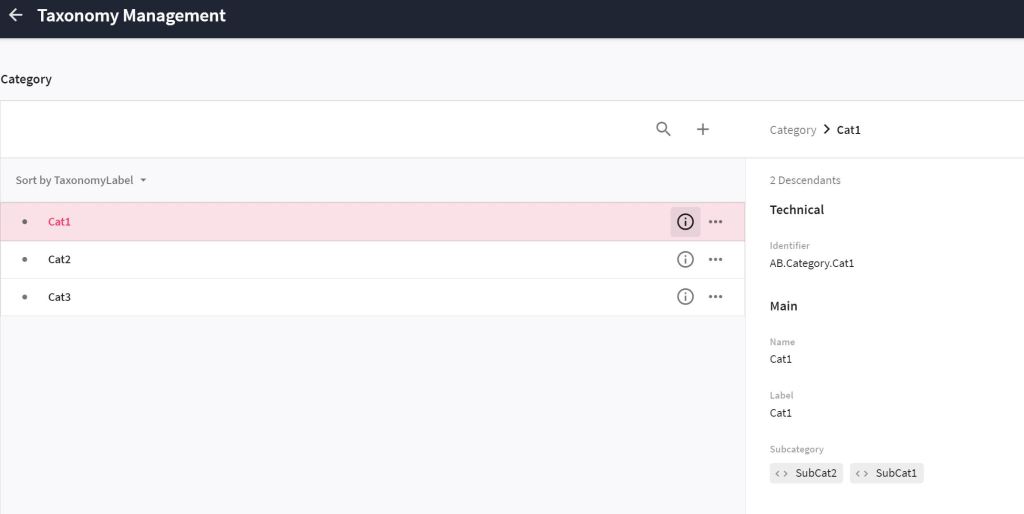
Next step is putting in some content for the defined taxonomies and make sure to connect them. I added first the contents for the subcategories and afterwards.
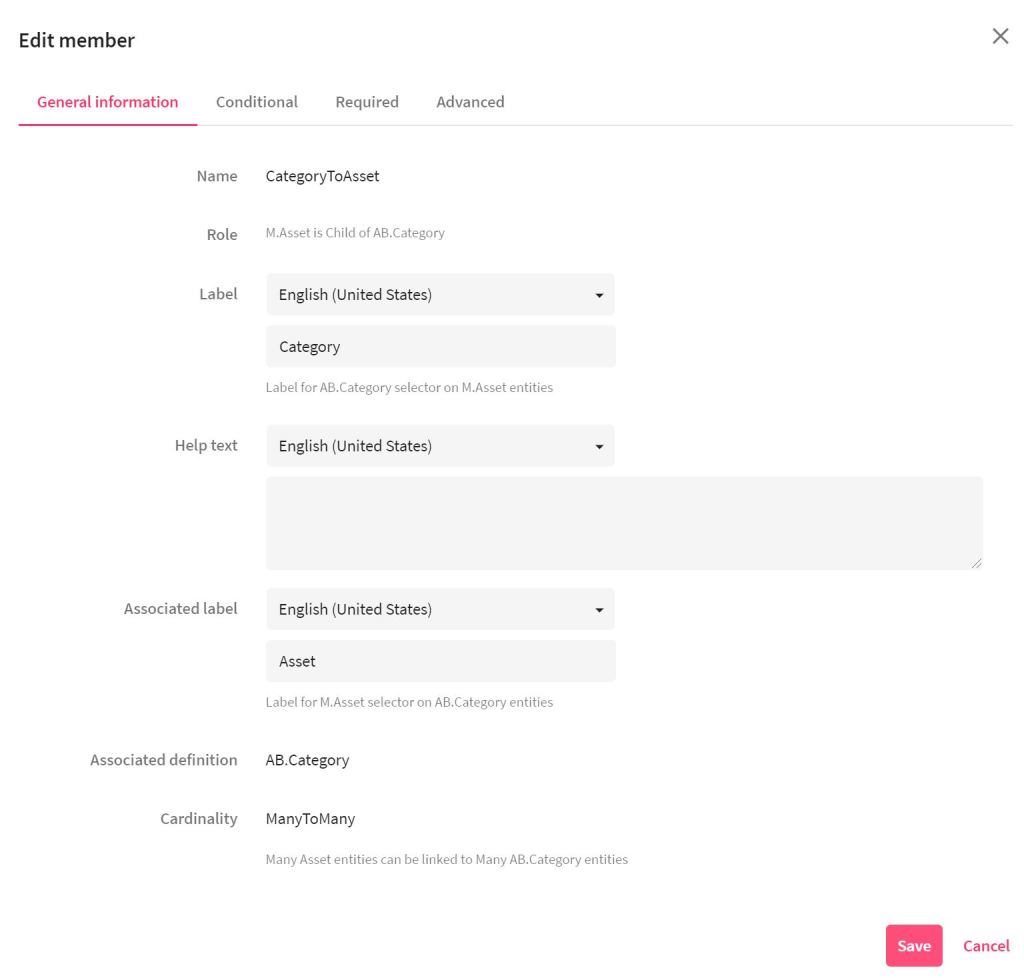
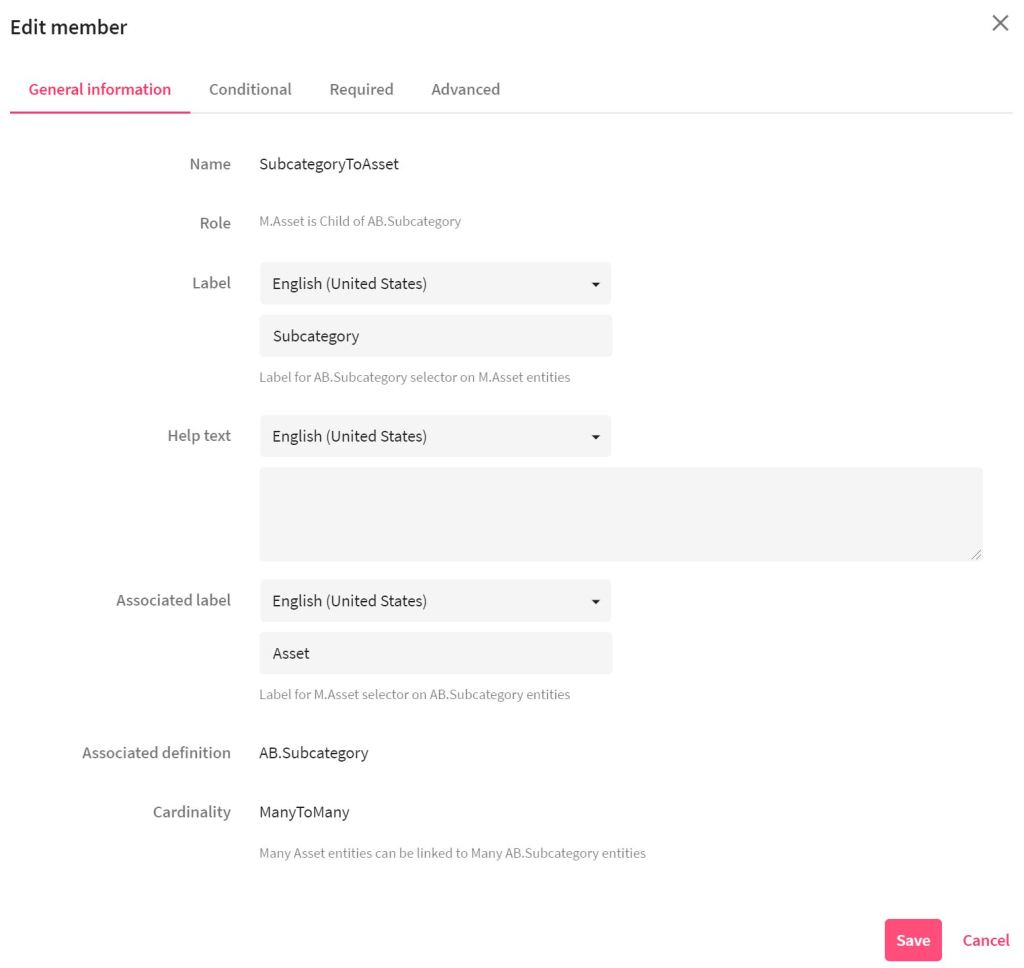
It’s time to configure the entity details component. Go to Manage > Pages > Asset details and click on the entity details.
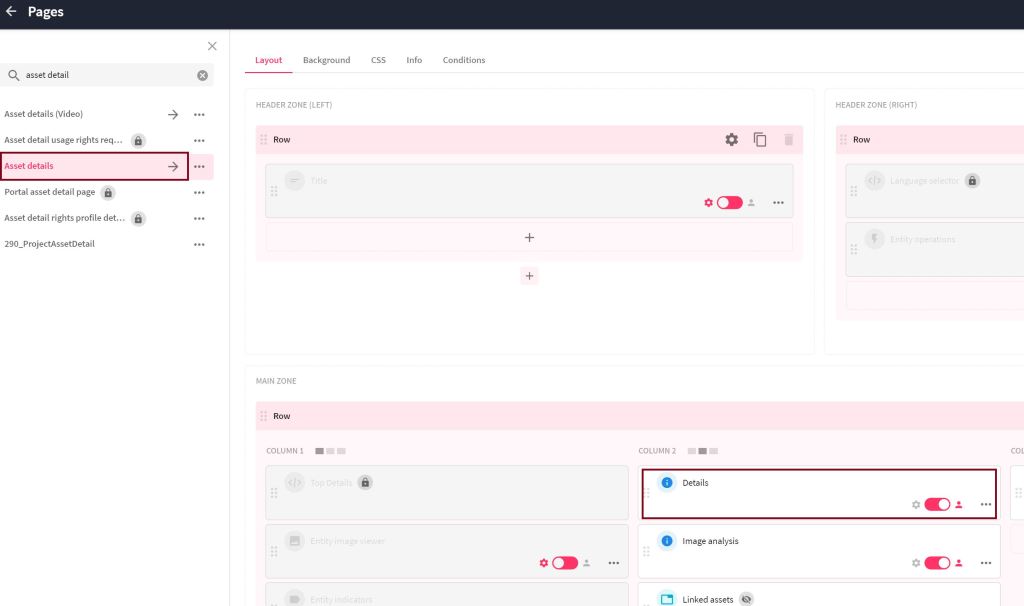
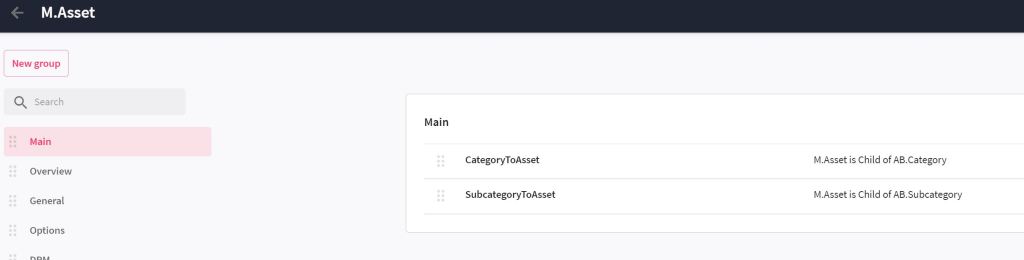
Then you enable the section “Main” and click on the wheel to configure the Subcategory. Go to the tab “Functionality” and click on “+ Add” besides “Filters”. The filter “CategoryToAsset” appears. Click OK and save the component. Now everything is configured and we can check the result.
Last go to an asset details page for an asset and choose a Cateogry. When trying to choose a Subcategory only the subcateogires which are related to the chosen category appear for choosing.

 Anna's blog