In Sitecore we know that there is the possibility to add params like “mw” for maximum width and “mh” for maximum height. But what if we use Public Links from Content Hub? Spoiler: There is such funcitionality! In this blogpost we’ll have a short look into the hub and its possibilities.
In Content Hub we’ve got the option to create transformations. Therefore we navigate to Manage > Transformations.

Here you can set the name, crop-option, width in px, height in px and quality. In the example above just the width is set. This means it is the maximum width to display.
To call the resized image you just add the querystring t=name_of_your_transformation to your public link.
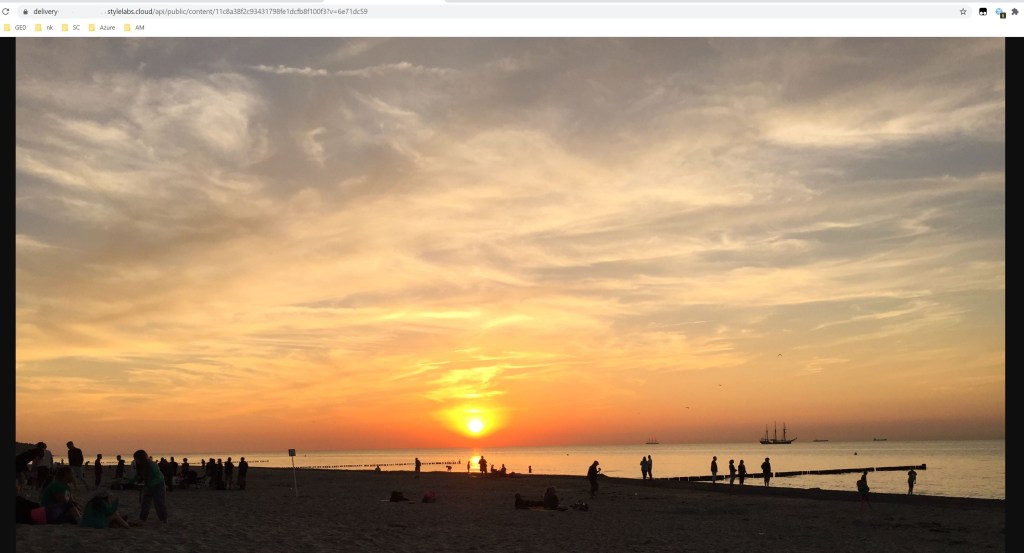
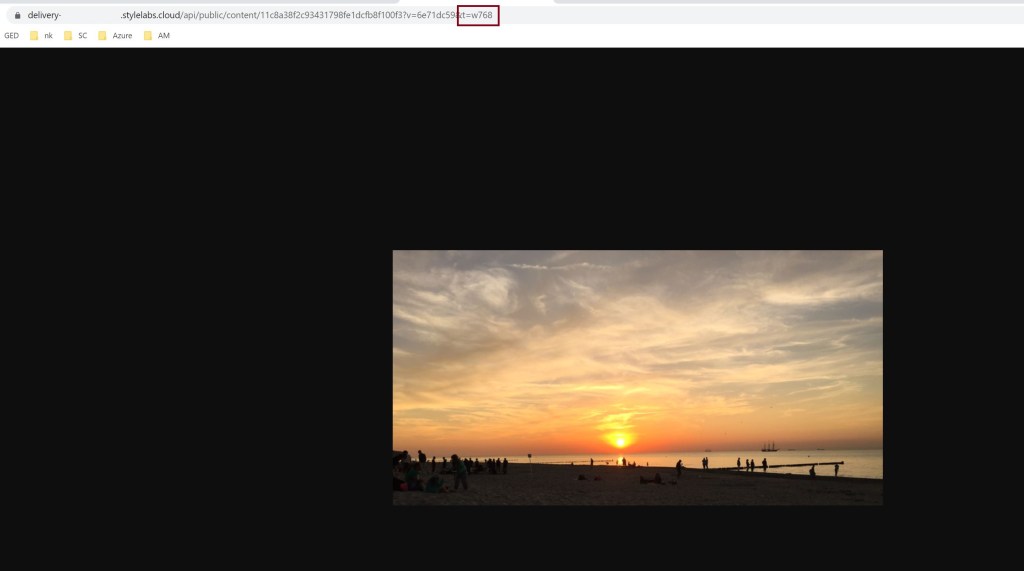
So you see, it’s simple and you can create every transformation you need.
Here you can find the documentation from Sitecore: https://docs.stylelabs.com/content/3.4.x/user-documentation/administration/processing/transformations/transformations.html
 Anna's blog