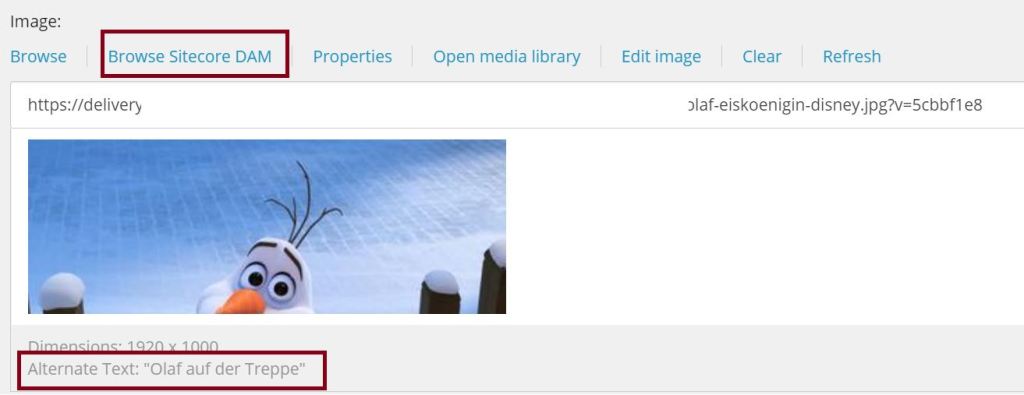
When installing and configuring the connector for choosing Content Hub assets in Sitecore XP there is one thing you might want to configure as well: Which property comes from Content Hub as alternate text.
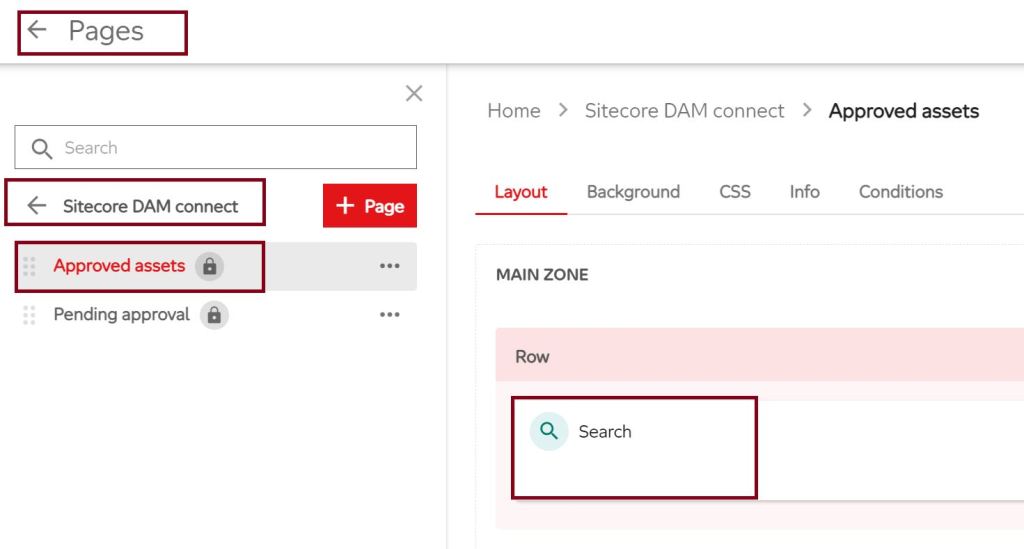
Therefore you navigate in the Content Hub to the configured Search Page via Manage > Pages. In default case you go to Sitecore DAM connect > Approved assets.
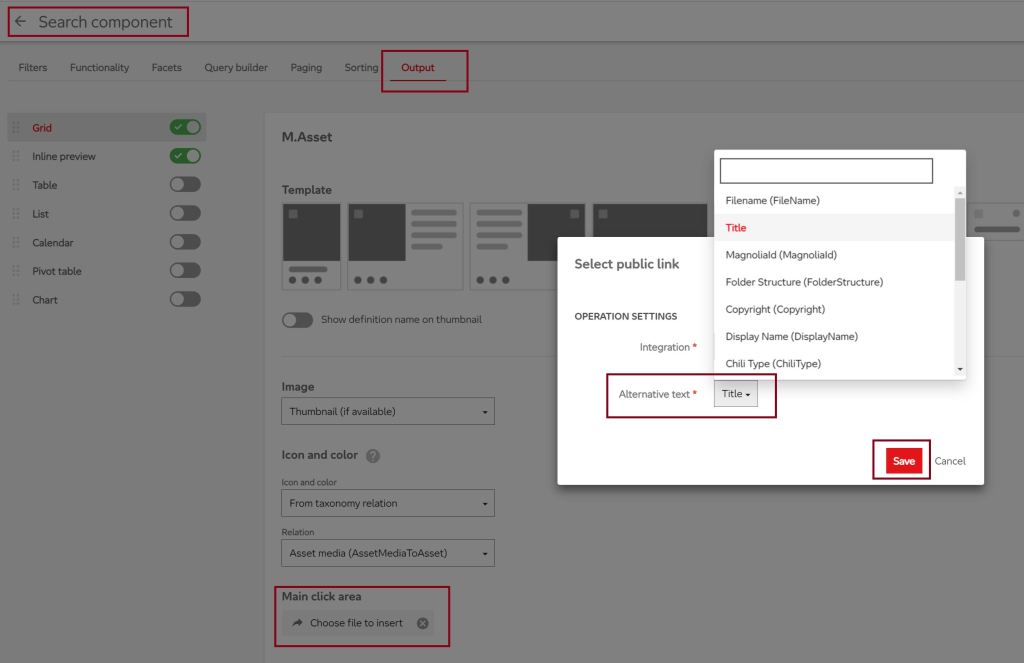
Click on the Search component and go to the tab “Output”. Scroll down and click “Choose file to insert” in “Main click area”. In the popup choose the property you want to configure for the Alternative text and click Save.
Now just click “Save and Close” on the right top and everything is done.
 Anna's blog