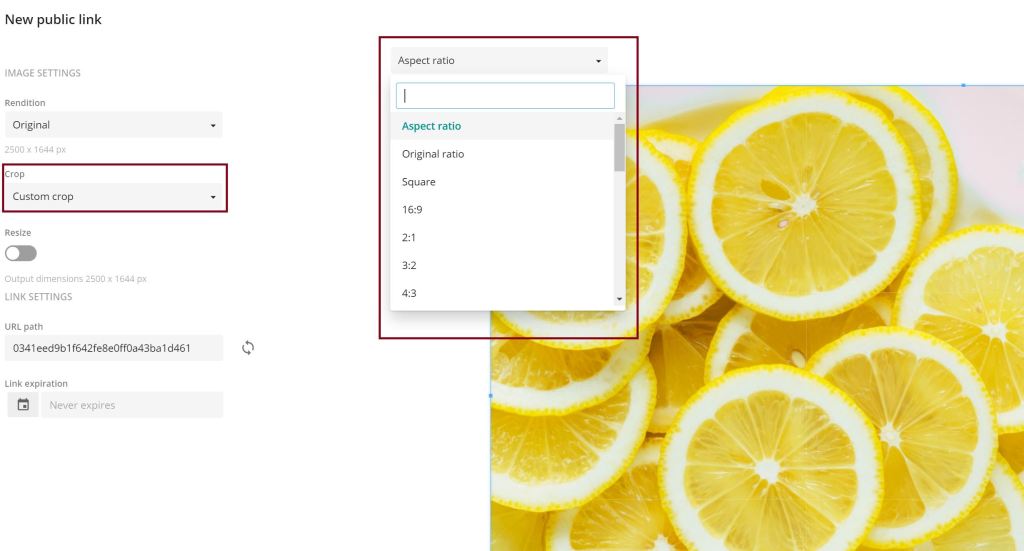
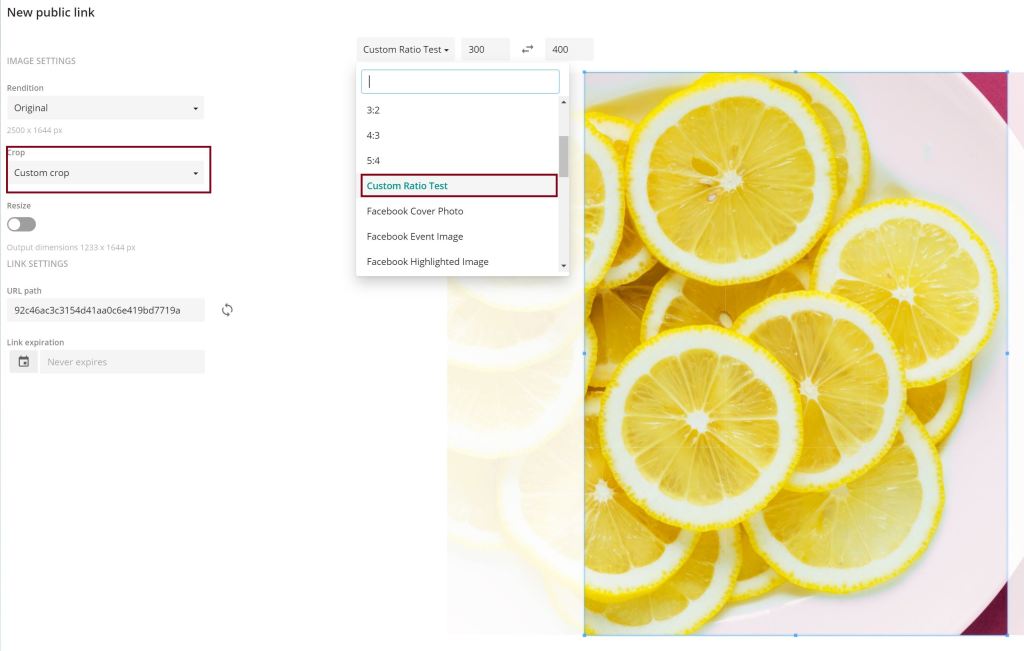
When you create a public link for an image you have some cropping-options, also the custom crop. If you choose this you get a dropdown with preset ratios from which you can choose and crop the image in the format you need. But how can we customize this for our needs?
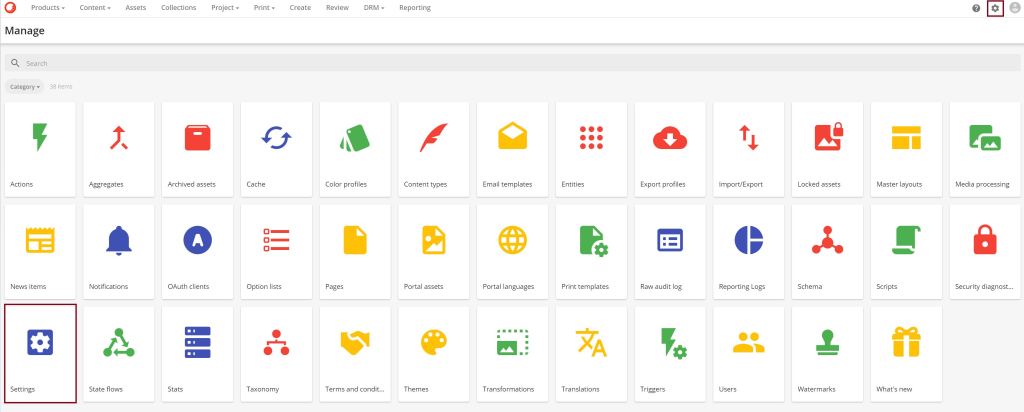
The solution for this is easy. Go to Manage and then Settings.
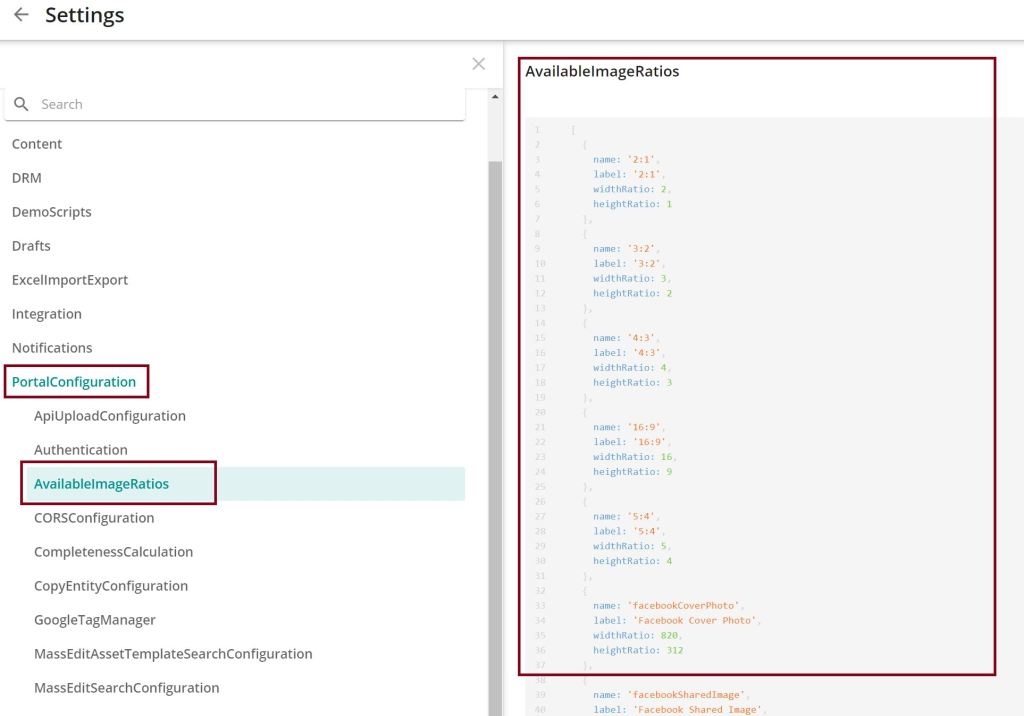
Click on “PortalConfiguration” and then “AvailableImageRations”. Then you see the defined ratios in JSON format.
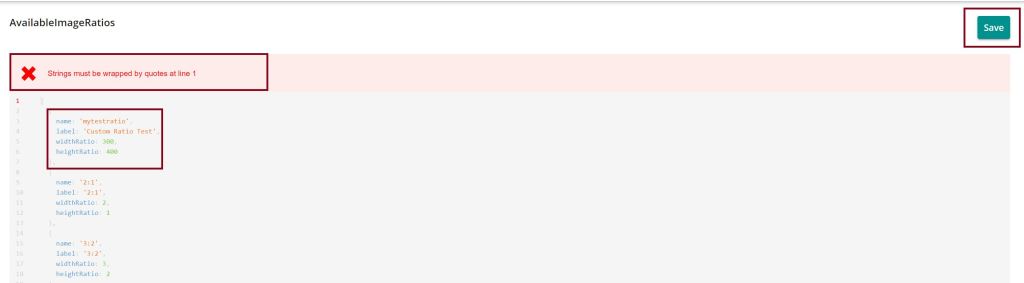
Copy the JSON to the editor you want and add your custom ratios in the same format as the given ones. Put your new JSON to the edit area. Don’t be afraid about the error message you get immediately, just click Save.
Last thing you have to do is clearing the settings cache. Therefore go to “Manage” and “Cache” and select the settings cache to clear.
Now you can go back to your image, create the public link with custom crop und choose your custom ratio.
 Anna's blog